
WatchGuard - Adding a Locally Managed Firebox to WatchGuard Cloud
Edited
A locally managed Firebox can be added to WatchGuard Cloud so it can be monitored alongside your cloud-managed devices, while its configuration is still managed locally.
How to configure:
Before starting, make sure the Firebox's feature key has been activated in WatchGuard Support.
Step 1:
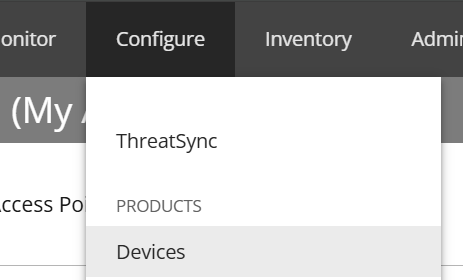
In WatchGuard Cloud, go to "Configure" and then select "Devices".
Step 2:
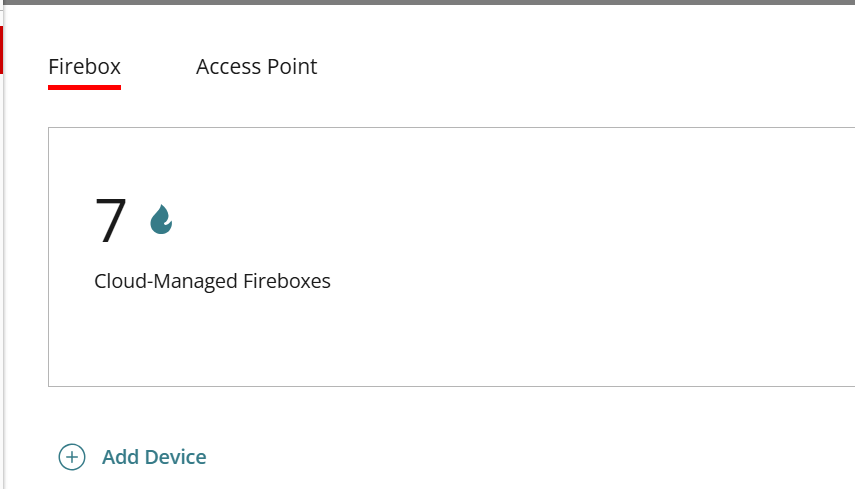
On the Firebox tab, select "Add Device".
Step 3:
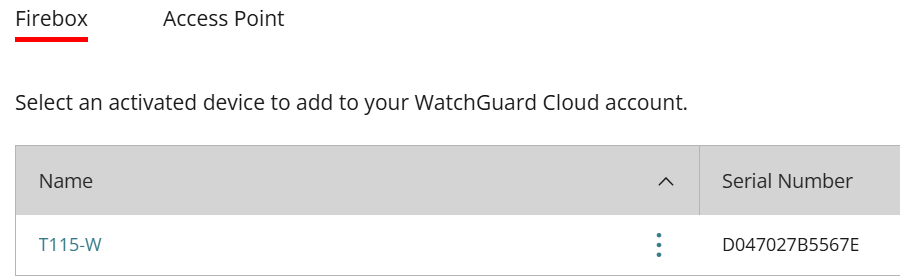
Select the activated device you want to add from the list.
Step 4:
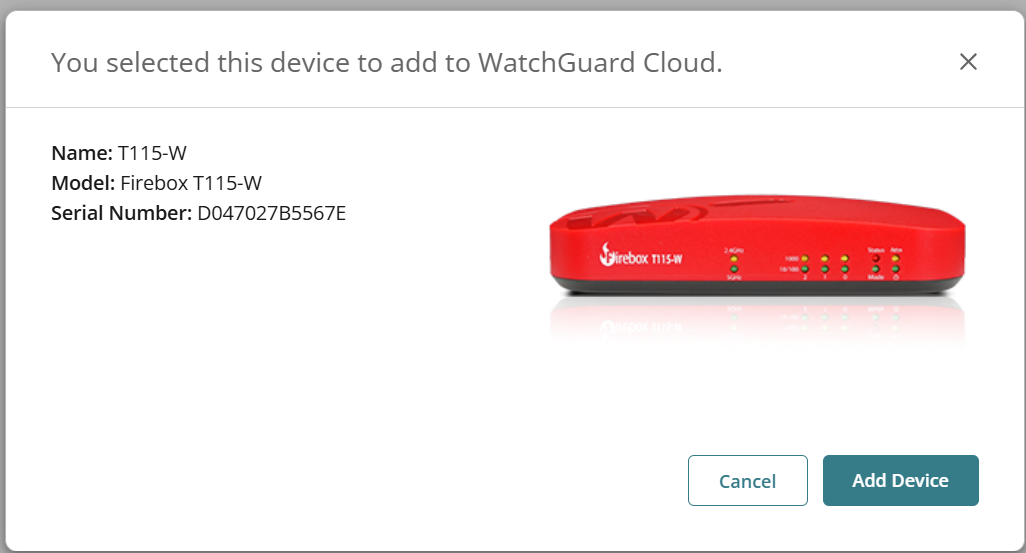
Check that the name, model and serial number are correct, then select "Add Device" to confirm.
Step 5:
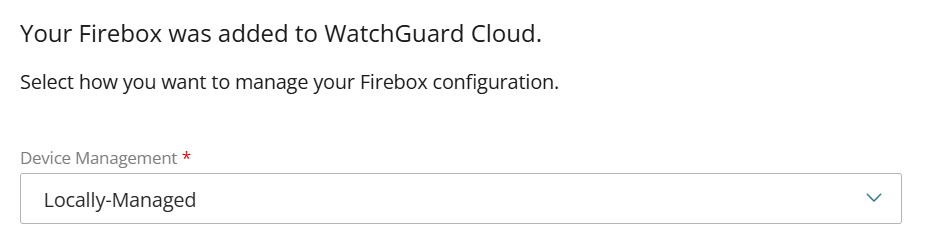
Under "Device Management", select "Locally-Managed" from the drop-down.
Step 6:
Select "Next" and then "Done" to finish adding the device.
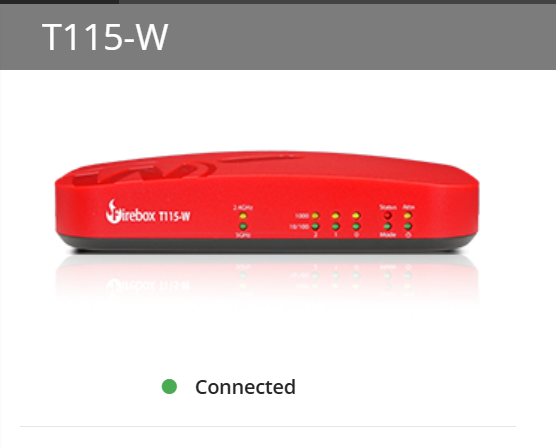
The Firebox will now be added to WatchGuard Cloud and should show as "Connected".
Was this article helpful?
Sorry about that! Care to tell us more?